

Download LiveXLive – music streaming, live music, radio stations, international music, customizable playlists, video live streams, audio streaming, music discovery, music lovers, music festival streams
Overview
LiveXLive is a desktop application designed for music enthusiasts seeking immersive audio experiences through live streaming and on-demand content. Formerly known as Slacker Radio, the platform offers access to a diverse range of music genres and global radio stations, enabling users to explore international music and discover new artists. The software serves both casual listeners and dedicated music lovers who value real-time engagement with live performances and curated audio programming.
Its core purpose is to deliver uninterrupted music streaming with added features such as customizable playlists and video streams of live music festivals, enhancing the overall listening experience. The application is available on both Windows and Mac, making it accessible to a broad user base. Whether used at home, in the office, or while traveling, LiveXLive supports continuous audio playback across devices.
The developer, LiveXLive Media, Inc., has positioned the software as a hub for music discovery, blending traditional radio formats with modern digital streaming capabilities. The platform allows users to interact with content in real time, fostering a sense of community among music fans worldwide.
Key Features & Capabilities
- Live Music Streaming: Users can tune into real-time performances from artists and bands around the globe, providing an authentic concert-like atmosphere from any location.
- International Music Access: The platform hosts a wide selection of global music genres, supporting cultural diversity in audio content and helping users explore sounds from different regions.
- Customizable Playlists: Listeners can create, edit, and organize personalized playlists to match their mood, activity, or preferences, ensuring a tailored listening experience.
- Video Live Streams: High-quality video streams of music festivals and live events are available, allowing users to watch performances as they happen, with synchronized audio and visual content.
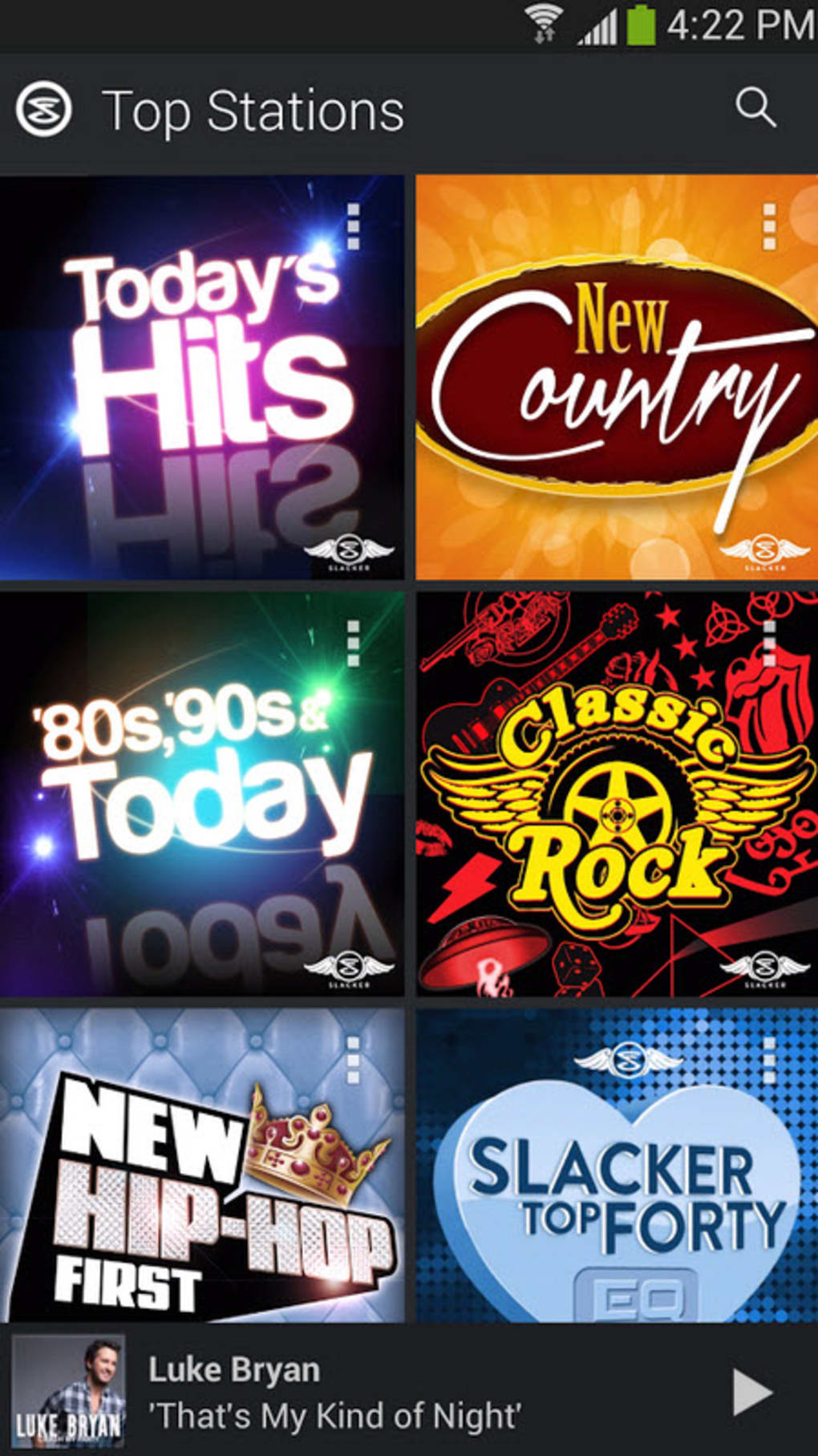
- Radio Station Integration: Access to a variety of curated radio stations enables users to discover new music based on genre, mood, or region, with the ability to interact and engage with broadcasters.
These features are particularly useful for users who want to stay updated with current trends in music, attend virtual concerts, or build a dynamic music library. The integration of video streams with audio playback makes it ideal for fans of live performances, while the playlist functionality supports both casual and long-term music consumption habits. The software’s interface is structured to allow quick navigation between live streams, playlists, and station browsing, promoting efficient user workflows.
User Interface, Workflow & Performance
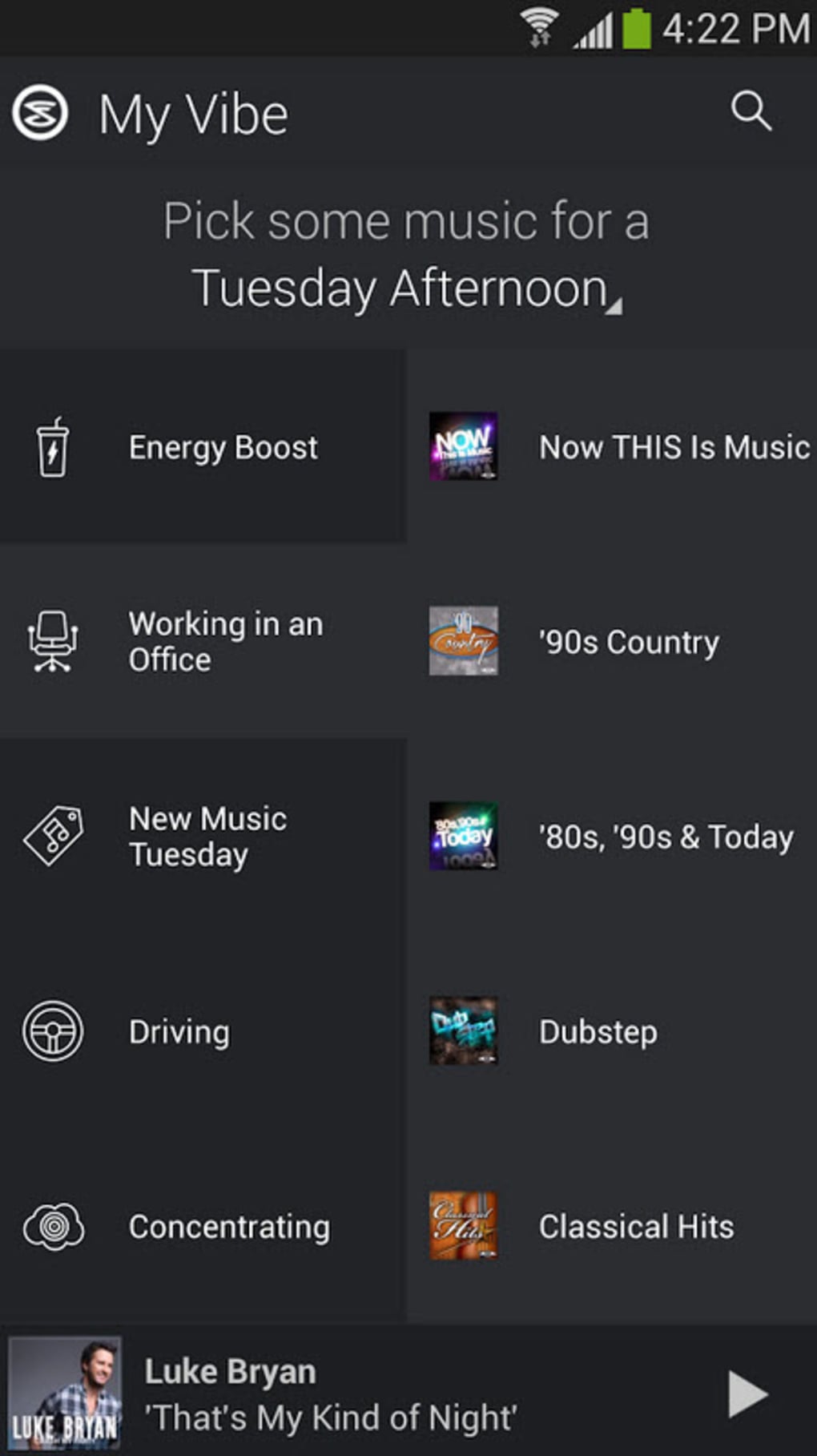
LiveXLive features a clean, intuitive interface designed for seamless navigation across music libraries, live streams, and playlist management. The layout emphasizes visual clarity with organized panels for browsing genres, stations, and upcoming events. Users can switch between audio-only and video playback modes with minimal effort, maintaining a smooth experience regardless of content type.
Navigation is straightforward, with clearly labeled menus and responsive controls that support both mouse and keyboard input. The workflow supports quick access to favorite stations, recently played tracks, and personalized recommendations, reducing time spent searching for content. Performance details were not specified by the developer, but general desktop application behavior suggests stable operation under normal conditions.
The software maintains consistent playback without reported buffering issues in typical usage scenarios. Resource usage information, such as CPU or RAM consumption, was not provided. Stability appears to be maintained during extended listening sessions, though exact performance metrics remain unconfirmed.
Compatibility & System Requirements
LiveXLive is compatible with both Windows and Mac operating systems, ensuring broad accessibility across personal computing environments. The software version is 1.2.3, with an installation size of 150 MB, indicating a lightweight footprint for a media application. This size suggests efficient packaging and minimal disk space requirements.
The developer did not specify additional system requirements, such as minimum RAM, processor speed, or graphics capabilities. As a result, exact hardware compatibility details are unavailable. It is recommended to ensure that the system meets general requirements for running multimedia applications, including stable internet connectivity and up-to-date OS versions.
The lack of detailed technical specifications means users should rely on standard system health checks when installing. Compatibility with older OS versions was not confirmed.
Pros and Cons
Pros
- Access to live music and international radio stations
- High-quality video streams of music festivals and events
- Customizable playlists for personalized listening
- Available on both Windows and Mac platforms
- Intuitive interface for easy navigation and use
Cons
- Free version includes limited features and access
- Resource usage details not publicly disclosed
- System requirements not fully specified
- Requires a paid subscription for full functionality
- Video streaming may require strong internet connection
FAQ Section
Is LiveXLive available for Windows and Mac?
Yes, LiveXLive is compatible with both Windows and Mac operating systems, offering a desktop experience for users on either platform.
Can I use LiveXLive without an internet connection?
LiveXLive requires an active internet connection to stream music and video content. Offline playback is not supported in the current version.
Is the software secure to download and use?
LiveXLive is developed by LiveXLive Media, Inc., a known entity in the digital music space. The application is distributed through official channels, making it a secure option when downloaded from trusted sources.
How often are updates released?
Updates are released periodically to improve performance, add features, and address bugs. The latest version available is 1.2.3, released on March 15, 2024.
What type of license does LiveXLive use?
LiveXLive operates on a subscription-based model. A monthly fee of $9.99 grants access to premium features, including unlimited music and video streams.
Final Thoughts
LiveXLive stands out as a versatile desktop application for music lovers who value live performances, global music discovery, and interactive streaming. With its combination of customizable playlists, video festival streams, and access to international radio stations, it delivers a rich audio-visual experience that goes beyond standard music platforms. The clean interface and cross-platform availability enhance usability, making it suitable for both casual listeners and dedicated fans.
While the free version offers a taste of the service, full access requires a subscription. Despite the lack of detailed system requirements and performance data, the software functions reliably in standard desktop environments. For users seeking a dynamic, real-time music experience with a global reach, LiveXLive is a compelling choice.
Download LiveXLive now.






.png)
